
If you store personal information on your computer then you must have a backup. No matter how new your computer is it could still fail, so you need to back-up your data even on a brand new machine.
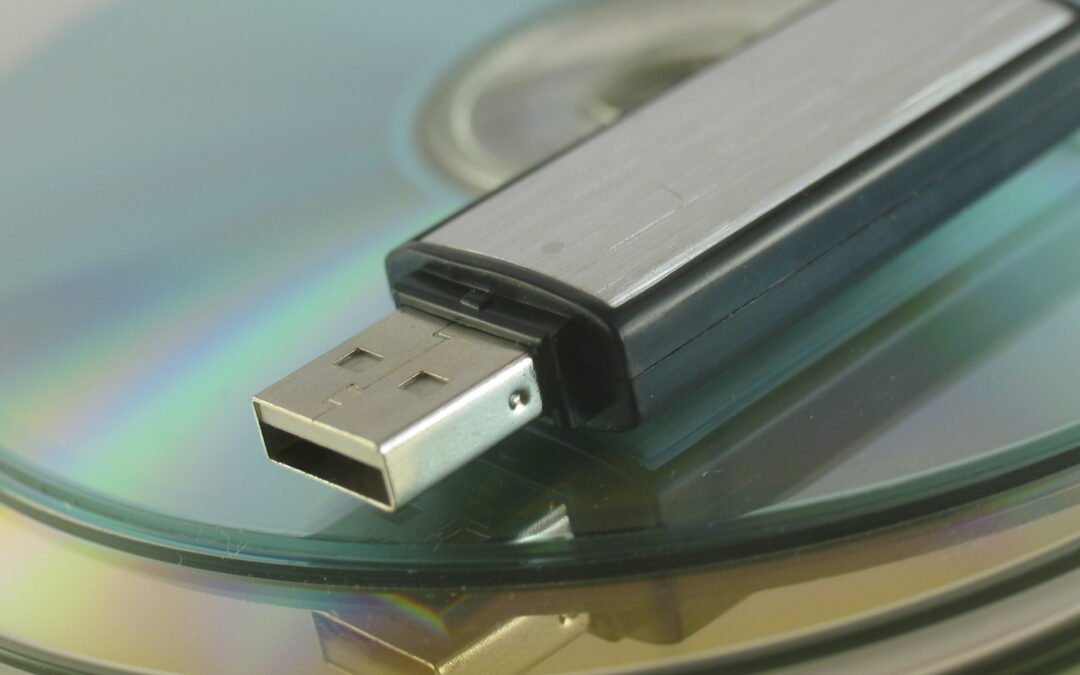
The easiest way is to back-up to an external hard drive connected to your computer. Backup software is built into modern computers; “File History” on Windows 10 or “Time Machine” on Mac. An external USB drive will cost about £50 for a 1TB model, go for WD as these seem to be the most reliable. USB keys can also be used to make backups but their capacities are not as great, and are more volatile than hard drives.
It’s a classic school-boy error to leave your backup drive near to your computer. If you have a theft or fire then you are likely to lose the drive, and leaving it connected to the machine could mean it gets destroyed in the same lightning strike or power spike that kills your computer. Keep your backup drive somewhere safe such as a fire proof safe or in another building. In businesses I recommend my customers keep their backups in their car glove box, and then it’s always some distance away from the live data.
Cloud backup services are very popular. These allow you to store a copy of your treasured files on a server somewhere else in the world. This makes your data very safe in the event of a disaster but cloud backups do not protect you from virus infection or cyber-attack, so in the event of an encryption scam your cloud data could be lost too. Keeping a local backup on a USB drive is still a good idea even if you have a cloud backup service.
When a hard drive begins to fail the symptoms include slowed performance, increase HDD noise, erratic boot and operating issues. All are easy to confuse for other faults like malware or cooling problems, but ignoring the signs can be a big mistake. The sooner a hard drive fault is detected, the easier and cheaper it is to deal with.