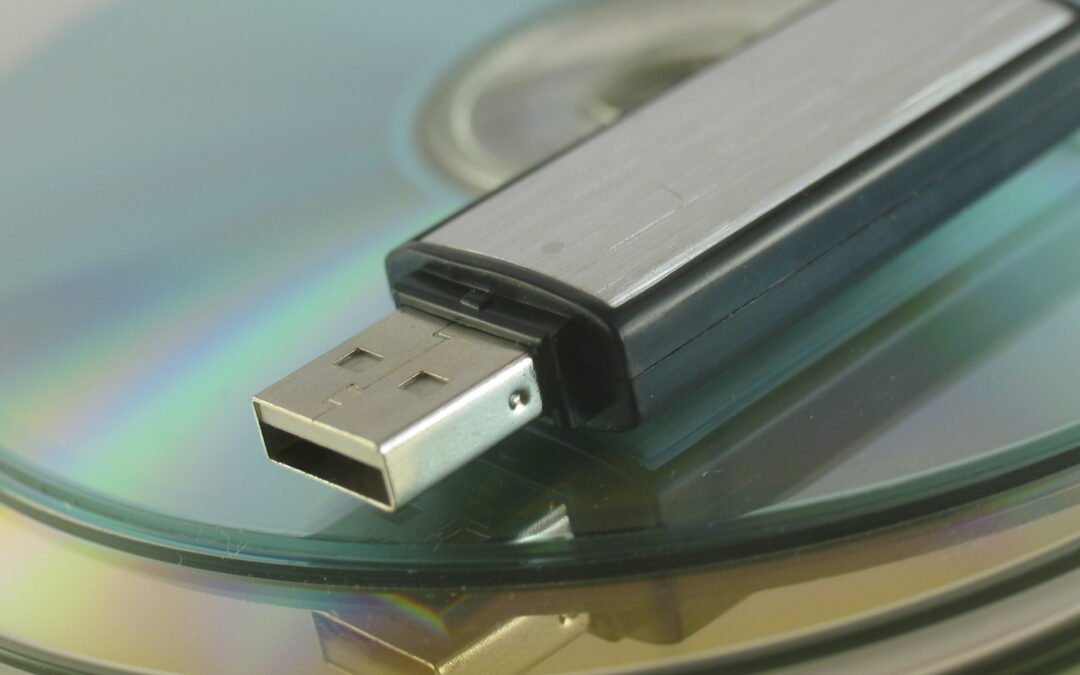
by Al Findlay | Feb 1, 2021 | Blog
If you store personal information on your computer then you must have a backup. No matter how new your computer is it could still fail, so you need to back-up your data even on a brand new machine. The easiest way is to back-up to an external hard drive connected to...

by Al Findlay | Jan 12, 2021 | Blog
Your Browser is the piece of software you use to access websites. There are a few to choose from and they are all fairly similar with the usual features like bookmark library, password vault, tabbed browsing, print preview, etc. So it’s really a personal choice:...
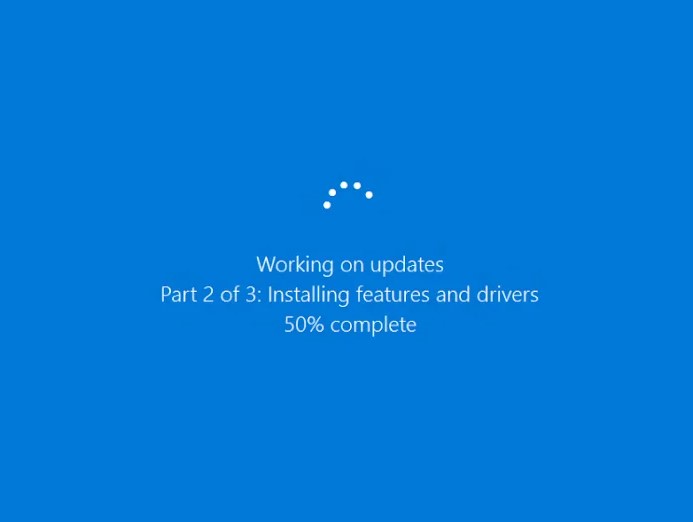
by Al Findlay | Dec 12, 2020 | Blog
October saw the release of the latest Windows 10 feature update, version 20H2. This is quite a small update compared to previous feature updates, and there aren’t many new features. A lot of the changes this time are under the bonnet, with improvements to the way...
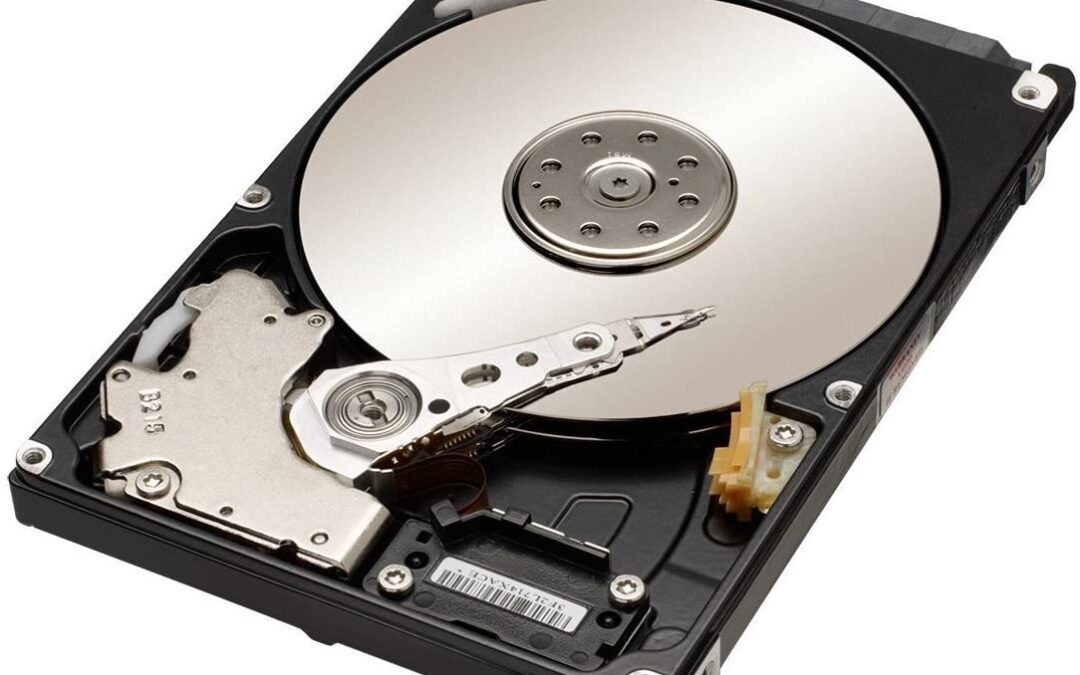
by Al Findlay | Dec 2, 2020 | Blog
The drive in your computer is responsible for the long-term storage for all your files. This includes all your personal files like documents, photos, music, etc, and it also stores all the system files like your operating system and applications. A conventional Hard...

by Al Findlay | Nov 15, 2020 | Blog
VPN stands for Virtual Private Network. A VPN allows you to connect to a remote network and behave as if you were right there in the building. In the business world this means you can sit at home but connect to your work network and use features on your work IT...
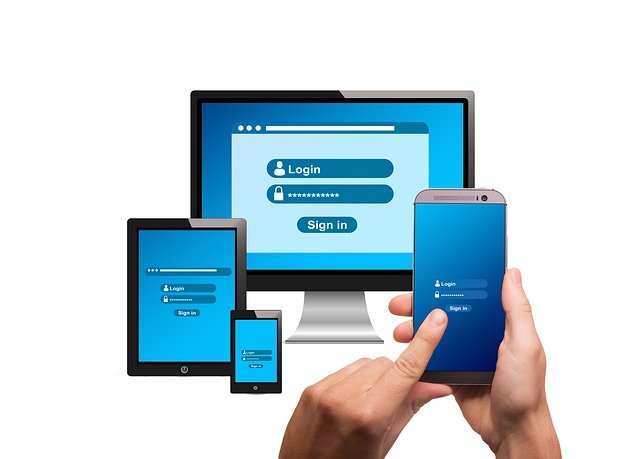
by Al Findlay | Nov 5, 2020 | Blog
We’ve got passwords for everything. Sign in, Email, Banking, Shopping; it can get quite overwhelming. The biggest mistake is to have the same password for everything. If you only have one password this is nice and easy to remember, but you could lose access to...
